
Same Teacher. Same Students. 40% More Syllabus Covered. Here Is Why.
Written by Milap Mehta, EdTech Specialist at Nitek IFP

Milap Mehta
Official Blog Contributor
We did not expect this when we started.
When the Nitek team installs interactive flat panels in schools, the conversations before installation are usually about display quality, touch response, warranty coverage, whether the smart board will work without internet. Practical things. The things a school administrator needs answers to before signing off on a purchase.
Nobody talks about the syllabus. And yet, almost every time we go back to a school three or four months after installation, that is the first thing teachers bring up.
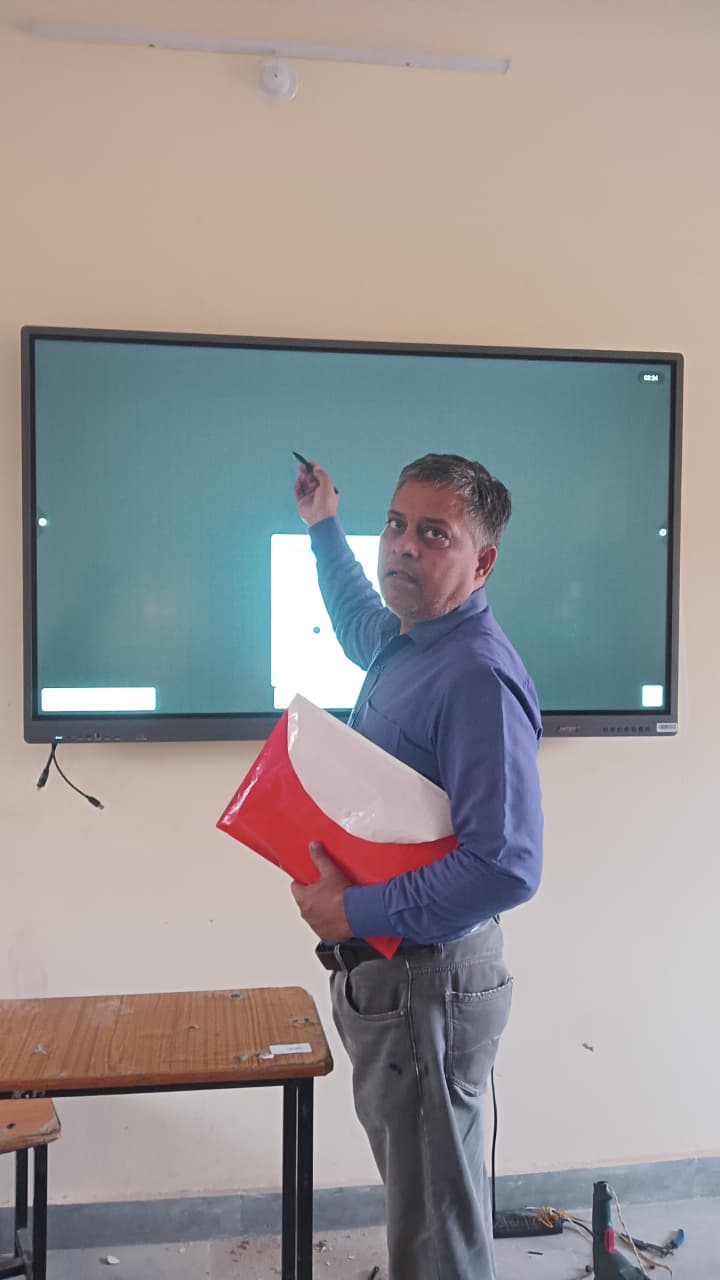
"I finished the science portion two weeks before my colleagues in the other section," one teacher told us after we installed Nitek interactive flat panels in her school in Rajasthan. She said it almost apologetically, like she was not sure we would believe her. "I did not do anything differently. I just stopped wasting time."
That sentence stayed with us. Because it is not really about the technology. It is about what the technology stops you from doing that was costing you time without you realising it.
The Hidden Time Drain Nobody Talks About
Sit in on a typical class in an Indian school and watch how a teacher's time is actually spent. Not the lesson content, just the mechanics of delivery.
She walks in and writes the date, topic heading, and learning objectives on the blackboard. That takes about four minutes. Then she writes out the key points of the lesson, which depending on the subject and how much she needs to put up, takes another six to ten minutes. Students are copying. She is writing with her back to them. The chalk squeaks. Someone drops something. She turns around twice to restore order.
By the time actual explanation begins, fifteen to eighteen minutes of a forty minute period are gone.
Then a student asks about something from the previous class. The board from that lesson was wiped clean days ago. She reconstructs the explanation from memory. It takes four or five minutes and is never quite as clear as when she first explained it with the diagram in front of them.
Then the period ends. Three rows of students have incomplete notes because she ran out of board space and had to erase the middle section to write the conclusion. She knows she will have to cover part of this again tomorrow.
This is not a bad teacher. This is every teacher. And none of it is their fault.
What Actually Changes When a Smart Board Comes In
The first thing the Nitek team always tells schools is this: an interactive flat panel is not a smarter blackboard. It is a different way of working entirely.
A teacher who uses a Nitek interactive flat panel does not write during class. She prepared that before class, at home or in the staff room, and what she prepared appears on screen the moment she needs it. She spends class time explaining, questioning, demonstrating, correcting. All the things that actually produce learning.
The writing happens before the bell rings, not after it.
 The
Sixty Second Start
The
Sixty Second Start
One of the smallest things that makes the biggest difference is how a period begins. On a blackboard, a teacher needs twelve to fifteen minutes before she can start explaining. On a Nitek interactive flat panel, she switches on the screen, opens her lesson, and begins talking. Sixty seconds, sometimes less.
Across six periods a day, five days a week, that recovery alone is significant. But the real gain is not the minutes. It is the momentum. A class that starts immediately stays focused from the beginning. A class that watches a teacher write for twelve minutes has already drifted twice before the explanation starts.
Diagrams That Would Have Taken Ten Minutes Take Thirty Seconds
This is where subject teachers feel the difference most directly. In science, the human digestive system. In geography, the water cycle. In maths, coordinate geometry. In social studies, the physical map of India. All of these involve detailed visual content that takes real time to put on a blackboard properly.
A science teacher we spoke to after installing Nitek interactive flat panels in her school told us she had been spending nearly two full periods on the respiratory system every year because drawing the diagram accurately while keeping thirty-five students engaged was genuinely difficult. The diagram would come out rushed, labels would get crowded, she would have to redraw parts of it.
After the smart board came in, she opened the same diagram in twenty seconds, zoomed into the alveoli while she was still mid-sentence, circled the relevant section with her finger, and asked a question before students had even finished processing what they were seeing. The same topic, the same depth of explanation, covered in one period instead of two.
She used the recovered period to start the excretory system a week ahead of schedule.
Old Lessons Do Not Disappear Anymore
Every experienced teacher in India has been in this situation. A student raises her hand three weeks after a lesson and asks a question that requires going back to something that was explained and erased long ago. The teacher has to rebuild it from memory, on the spot, in front of the class.
On a Nitek interactive flat panel, that lesson is saved. Every annotation, every diagram, every example she worked through. She opens it in the time it takes to type a file name.
What this does to revision is profound. Instead of spending a period re-explaining something, she spends ten minutes revisiting it visually and the class moves forward. Topics that used to require revisiting three times in a term now need one.
One maths teacher told us something we found particularly striking. He said he had stopped dreading the day before exams. "Earlier I would spend the last week just redoing everything," he said. "Now I just open each lesson and show them what we did. They remember it because they can see it again exactly as it was."
Questions Get Answered Without Stopping the Class
On a blackboard, answering a student's question mid-lesson usually means stopping, turning to the board, writing out an explanation, and trying to pick up the thread of the lesson afterward. It breaks the flow. Other students lose the plot. By the time the teacher returns to where she was, two or three minutes have gone and the class needs reorienting.
On an interactive flat panel, a teacher can sketch a quick clarification directly on the screen, draw an arrow to the relevant part of the diagram already displayed, or pull up a related example in seconds. She answers the question without stopping the explanation. The class does not break stride.
This sounds like a small thing. Over thirty weeks of school, it is not.
Where the 40 Percent Comes From
The number in the headline is not invented and it is not a best case scenario. It is a pattern that shows up consistently across Nitek interactive flat panel installations when teachers track how much curriculum they cover per term before and after the smart board is introduced.
The mechanics of where the time comes from look roughly like this:
|
What changes |
Time saved per 40-min period |
|
No board writing at the start of class |
8 to 12 minutes recovered |
|
Diagrams displayed instead of drawn |
5 to 8 minutes recovered |
|
Revision of previous lesson via saved notes |
4 to 6 minutes recovered |
|
Student questions answered without stopping class |
2 to 4 minutes recovered |
|
Total instructional time gained per period |
15 to 25 minutes per period |
When a teacher gains 15 to 25 minutes of actual teaching time per period, five days a week, across a 30 week academic year, the cumulative effect on syllabus completion is not marginal. It is the difference between finishing ahead of schedule and scrambling through the last three units in the final fortnight.
|
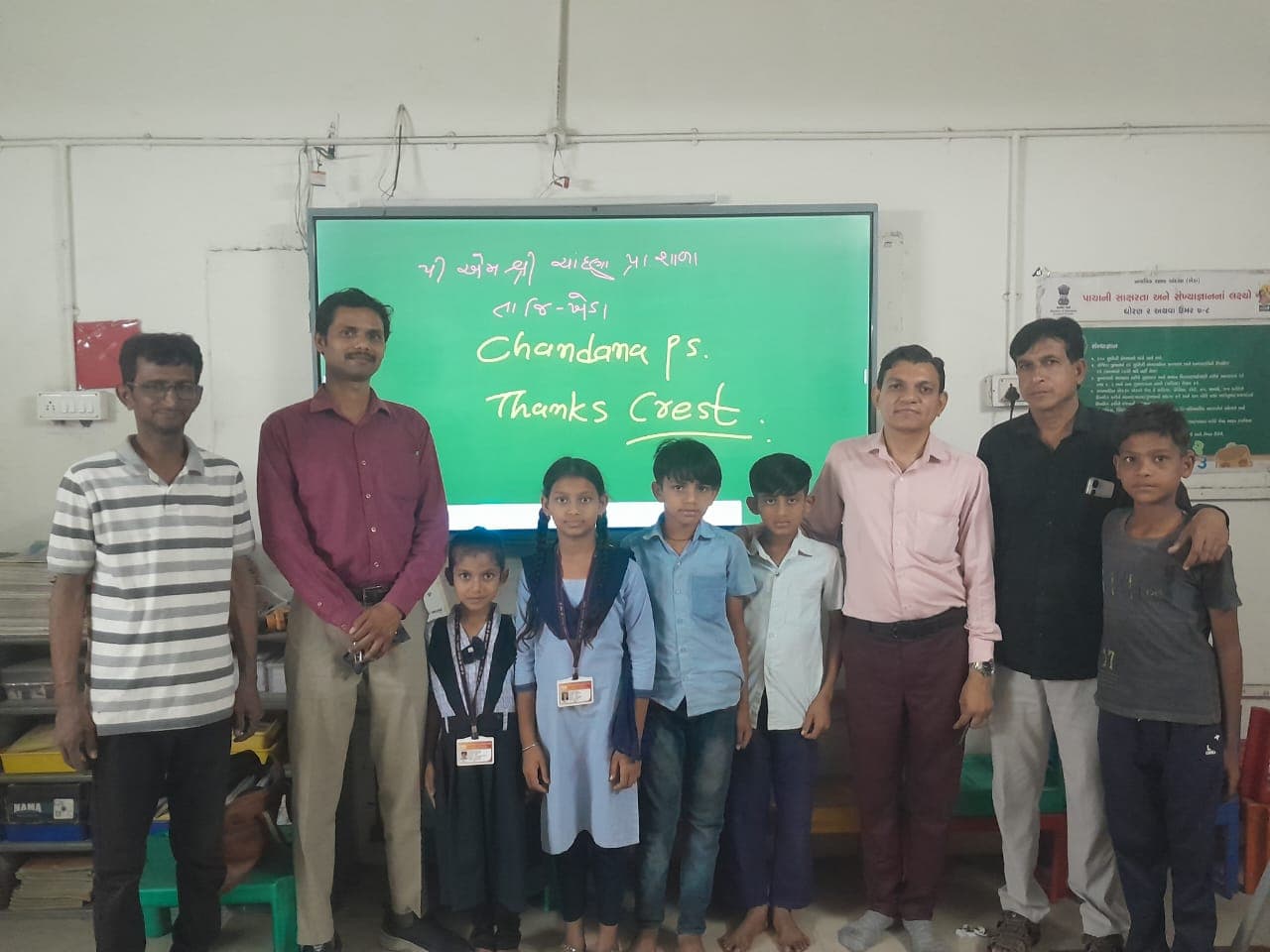
A teacher at one of the Nitek interactive flat panel installations in Gujarat told us she had never finished the Class 10 science syllabus before the pre-board preparation period in her eight years of teaching. After the smart board came in, she finished with three weeks to spare. She spent those three weeks doing full chapter revision with her students instead of racing through content they had never properly seen. |
Why This Does Not Happen Automatically
Installing a Nitek interactive flat panel does not automatically produce these outcomes. We want to be clear about that because we have seen schools where it did not work, and in almost every case the reason was the same.
Teachers were handed the smart board and expected to figure it out during class. They tried, struggled, fell back on the blackboard, and the panel became something they used for PowerPoints during inspection days and nothing else.
The results described in this article happen when teachers are trained before they are expected to teach with the panel. Not trained in features but in workflow. How to build a lesson on the interactive flat panel the night before class. How to annotate without interrupting the explanation. How to retrieve a saved lesson in under a minute. How to use the smart board the way a confident teacher uses it, which is invisibly, as an extension of how she already thinks.
Nitek's installation process includes hands-on teacher training as a standard part of deployment. Not optional, not extra. Every school that installs a Nitek interactive flat panel gets training alongside the hardware. We have seen what happens when training is skipped and we made a decision early on that we were not going to do that to teachers.
What Students Notice
The 40 percent more syllabus is the headline. But what students actually experience is something slightly different.
They experience a teacher who is not in a hurry. A teacher who has time to slow down on the hard parts, time to ask what they understood, time to bring in an example from something they actually know. This is what engaged classrooms look like from the inside. Not technology. A teacher with enough time to teach properly.
Students in schools where Nitek interactive flat panels have been installed for at least one full academic year consistently describe feeling more prepared for exams. Not because they studied more. Because they understood more the first time, and because revision actually revisited what they had learned rather than replacing it.
The smart board did not make the teacher better. It gave the teacher back the time she needed to be the teacher she already was.
Which Subjects See the Biggest Difference
In our experience across Nitek interactive flat panel installations in Indian schools, the subjects where teachers report the most significant time recovery are broadly the ones where visual explanation carries the most weight.
|
Subject |
Where interactive flat panels make the biggest difference |
|
Science (Class 6 to 10) |
Diagrams of biological systems, chemical reactions, physics concepts involving motion or force |
|
Mathematics |
Geometry, graphs, coordinate systems, step-by-step problem solving where each step needs to stay visible |
|
Geography |
Map-based explanations, physical and political features, climate and rainfall patterns |
|
History and Social Studies |
Timelines, movement of empires, trade routes, comparing historical periods visually |
|
English |
Grammar rules shown in context, poem analysis, reading comprehension annotation |
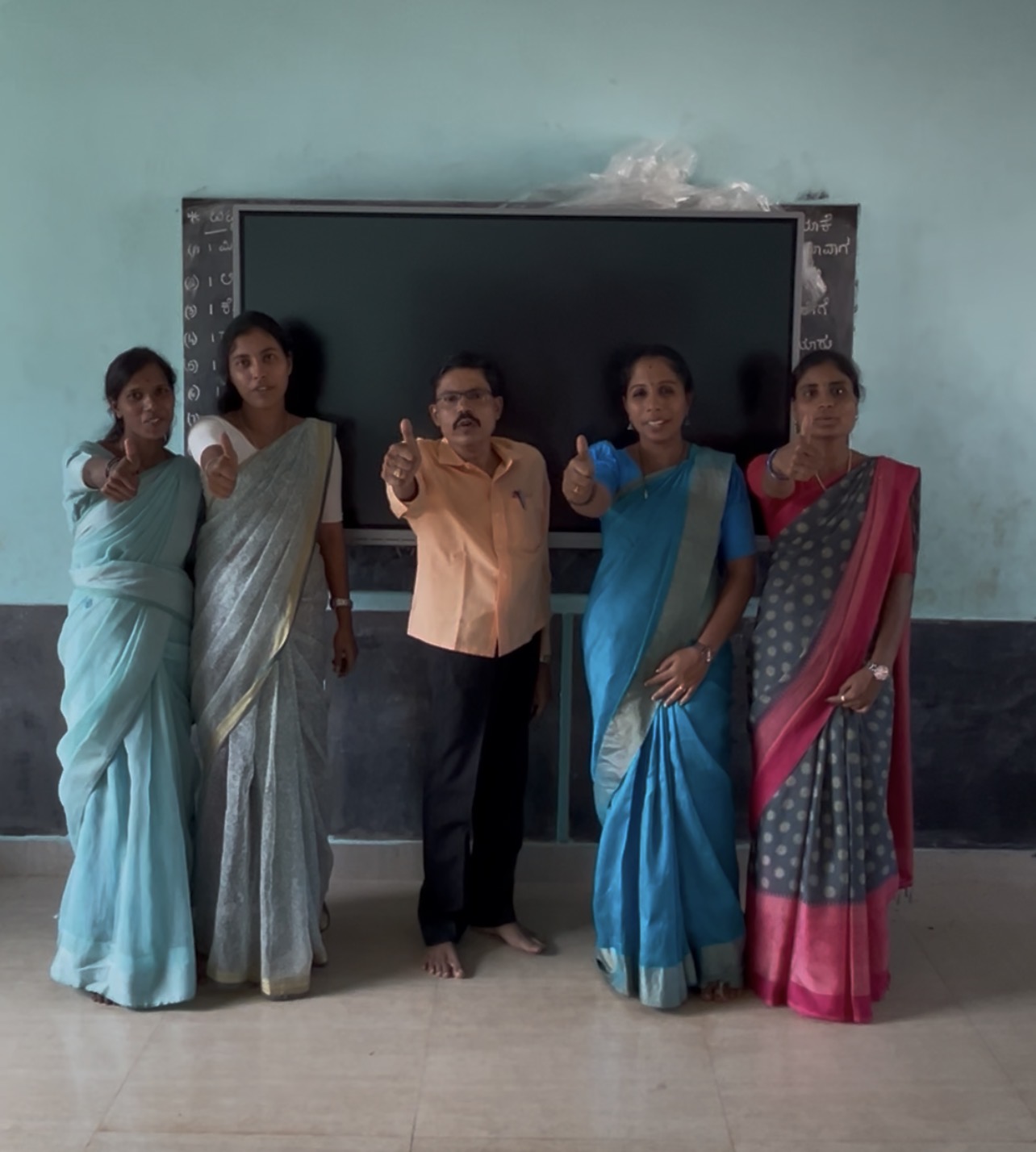
Teachers of language subjects, particularly Hindi and regional language instructors, have also reported significant time savings in grammar explanation lessons where showing examples visually alongside rules makes the concept settle faster. A class 7 Hindi teacher in one of our Karnataka installations told us that her students stopped confusing two similar grammatical structures after she started showing them side by side on the Nitek interactive flat panel. She had explained the same distinction verbally for years with limited success.
A Note on Class Size
One thing we have observed consistently is that the time recovery from a Nitek interactive flat panel is proportionally larger in bigger classrooms. In a class of 25 students, the difference is meaningful. In a class of 45 students, which is common in government schools across India, it is dramatic.
Larger classrooms mean more students copying, more time waiting for everyone to finish, more ground lost to noise and distraction during transitions. An interactive flat panel that eliminates board writing time removes the single biggest source of that disruption. The class does not wait for the teacher to write. The teacher does not wait for the class to copy. Both of them spend the period actually teaching and learning.
This is particularly relevant for government schools deploying under PM eVIDYA or Samagra Shiksha budgets, where classroom sizes are largest and teacher-to-student ratios are most stretched. The productivity gain from a Nitek interactive flat panel is not a luxury for these schools. It is genuinely structural.
The Bottom Line
The Nitek team does not measure success by how many interactive flat panels we install. We measure it by whether the teachers using them feel like the job got easier, and whether the students in front of those smart boards are learning more than they did before.
The 40 percent more syllabus number is real. But what it actually means is this: a teacher who finishes the syllabus early is a teacher who had time to revisit, reinforce, and make sure her students actually understood what they were taught. That is not a productivity metric. That is education working the way it is supposed to.
If you are a school administrator evaluating Nitek interactive flat panels for your institution, we would rather show you what this looks like in a real classroom than describe it in an article. Visit nitekifp.com to request a demo at your school, or speak to the Nitek team about a trial installation.